Blogs & Updates
How to Give your Customer a Credit or Refund in QuickBooks Desktop for Windows?
If a customer has overpaid, returned an item or you are issuing a goodwill adjustment, QuickBooks desktop allows you to either apply the credit to a future invoice, refund the payment or issue a credit immediately. The correct method depends on whether the customer...
How to Export Reports as Excel Workbooks in QuickBooks Desktop?
Want to explore and analyze reports out of QuickBooks in Microsoft Excel? Well, this is possible, by exporting reports as excel workbooks in QuickBooks desktop. You can save the reports as excel workbooks, CSV spreadsheets, or PDF’s. QuickBooks allows users to export...
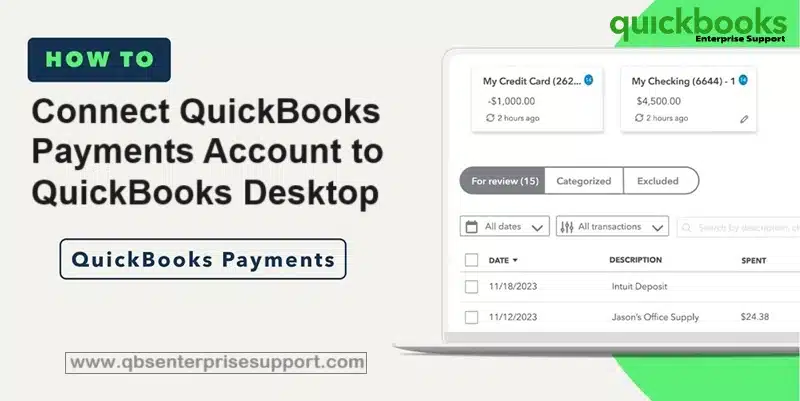
How to Connect QuickBooks Payments Account to QuickBooks Desktop?
Connecting your QuickBooks Payments account to QuickBooks Desktop is important if you want to accept credit card and bank payments directly within your accounting software. This process not only saves your time but also makes sure accurate financial tracking, reduces...

How to Import Credit Card Transactions into QuickBooks?
Importing credit card transactions into QuickBooks Desktop is one of the best ways to keep your books accurate without spending hours on manual data entry. If you want to import your credit card transactions into QuickBooks, then we have got you covered, this article...
How to Fix Errors When Converting from QuickBooks Desktop to Online?
Converting from QuickBooks desktop to QuickBooks online and stumbled upon any type of error? Well, need not to worry anymore, as here we are with this article to provide you with detailed information related to fixing errors when converting from QuickBooks desktop to...
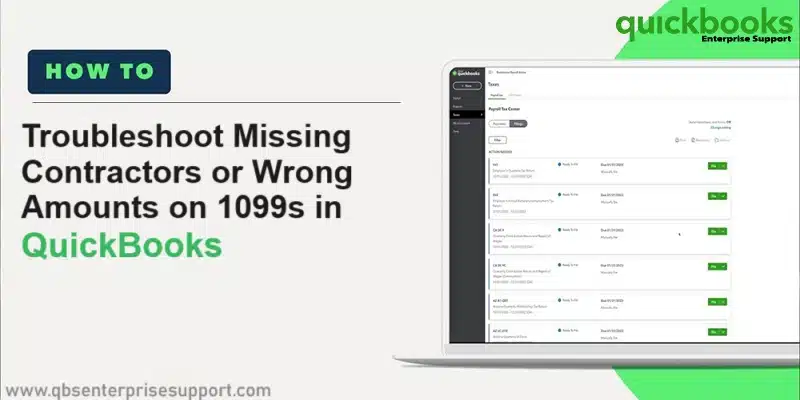
How to Rectify Missing Contractors or Wrong Amounts in QuickBooks for 1099s?
Source: https://quickbooks.intuit.com/learn-support/en-us/help-article/electronic-tax-filing/fix-missing-contractors-wrong-amounts-1099s/L0MspaDKN_US_en_US You created your 1099s in QuickBooks online or QuickBooks desktop, and are unable to spot any of the contractors...
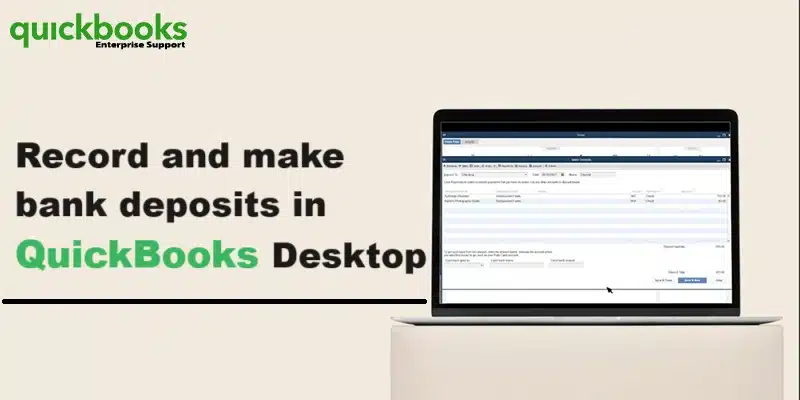
How to Record Deposits in QuickBooks Desktop?
At the time of depositing in a bank, a user usually deposit payments from multiple sources at the same time. The bank records everything that is deposited as a single record. In case the user enters these payments as personal record in QuickBooks, then they do not...

How to Close your Books in QuickBooks Desktop?
Are you looking for a guide to close your books in QuickBooks desktop? If yes, then you have stopped by the right article. This article will show how to close your accounting periods to ensure that old invoices from Invoice ASAP don’t accidentally update your old...
What is QuickBooks Desktop Enterprise Solutions?
QuickBooks desktop enterprise is one of the most popular accounting software available today. In fact, it is one of the most reliable applications that small and medium sized businesses highly depend on. This tool manages the finance of the companies by analyzing...
How to Add QuickBooks Firewall Ports Manually?
A firewall is an essential application which keeps the system safe from virus or malware attacks. At times, the firewall blocks some QuickBooks company files to access the internet. QuickBooks desktop requires specific firewall ports to communicate properly in...
About Us
XpertBooks Pro is a top-notch business accounting and finance consulting firm. We are a hub of technocrats who cater the best quality services. Our professionals work with an aim to cater utmost satisfaction to our clients.